Interactive Touch Display
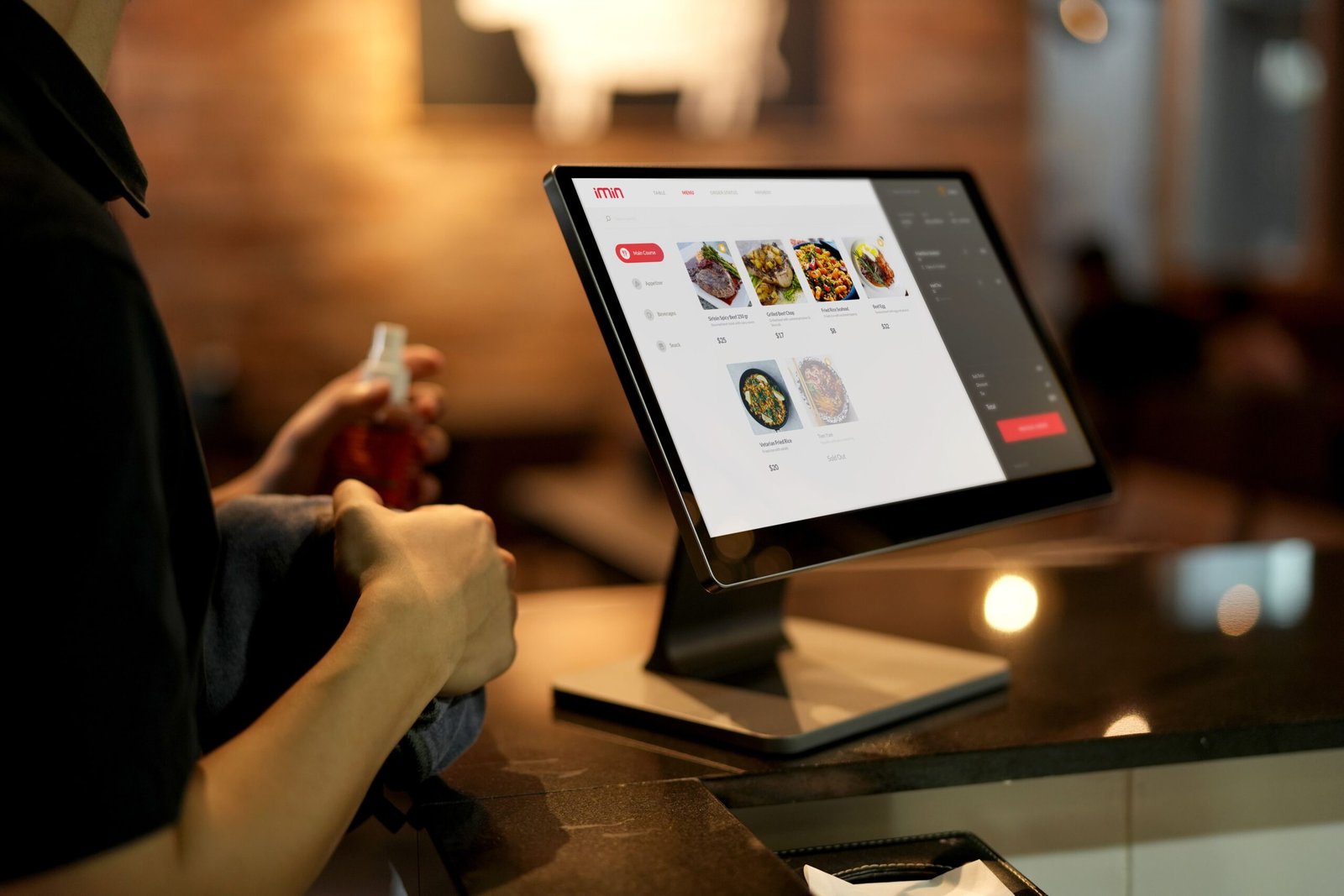
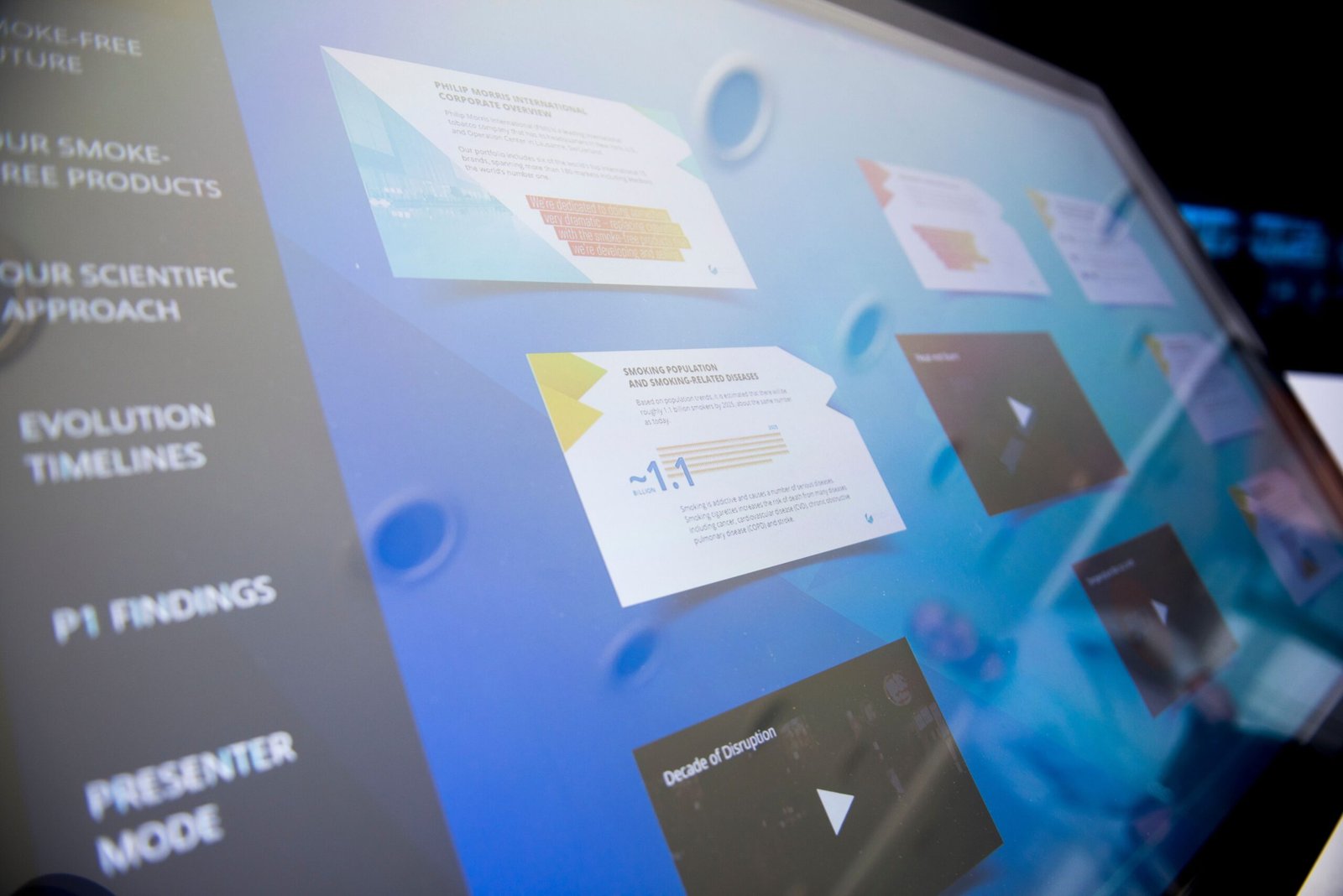
Enhance learning, presentations, and team collaboration with advanced Interactive Touch Display Solutions from Zyloriq. We provide professional installation, configuration, and support for interactive smart displays designed for corporate meeting rooms, classrooms, training centers, conference halls, and educational institutions.
Overview
Modern workplaces and educational environments require more than traditional projectors and whiteboards. Interactive Touch Displays offer a smarter way to collaborate by combining high-resolution displays, touch functionality, digital whiteboarding, wireless screen sharing, and real-time annotation into one powerful solution.
At Zyloriq, we deliver complete Interactive Touch Display solutions that improve communication, productivity, and engagement. Whether you're conducting business meetings, employee training sessions, classroom lectures, or client presentations, our smart displays provide an intuitive and interactive experience.
From product selection and installation to software configuration and user training, we ensure your organization gets the maximum value from its investment.
Features
Designed to Deliver Efficiency, Reliability, and Long-Term Performance
4K Ultra HD Interactive Display
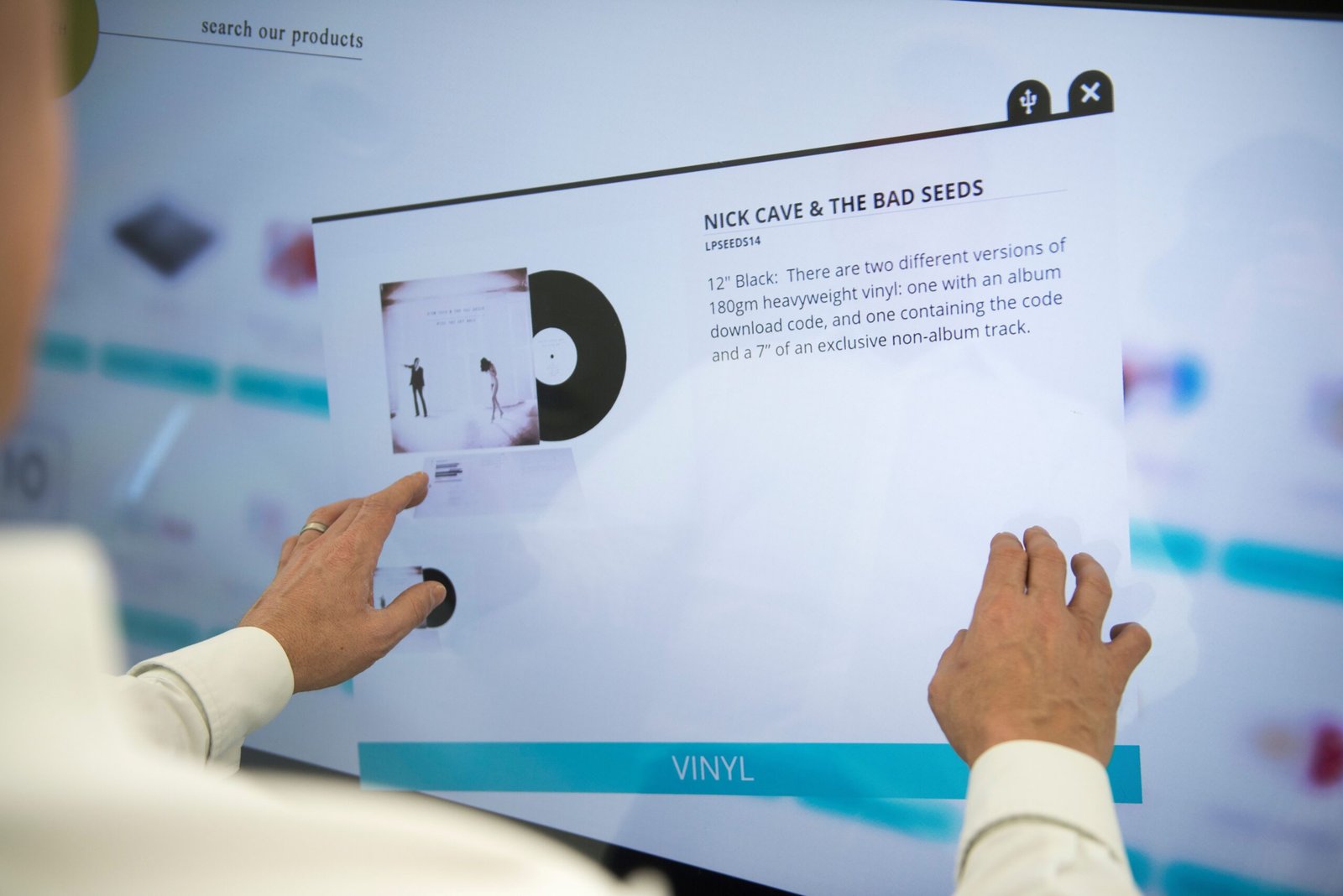
Experience exceptional image quality with 4K Ultra HD resolution, responsive multi-touch technology, and vibrant visuals. Users can write, draw, annotate, and interact naturally using fingers or digital stylus pens, making meetings and presentations more engaging.
Wireless Screen Sharing & Smart Collaboration
Share content instantly from laptops, smartphones, tablets, and other devices without complicated cables. Our Interactive Touch Displays support wireless casting, digital whiteboarding, real-time collaboration, split-screen functionality, and seamless integration with Microsoft Teams, Zoom, and Google Meet.
Professional Installation & Ongoing Support
Our certified technicians handle complete installation, wall mounting, software setup, network integration, calibration, and user training. We also provide preventive maintenance, troubleshooting, software updates, and Annual Maintenance Contracts (AMC) for long-term reliability.
Our Process
-
1. Requirement Analysis
We understand your meeting room, classroom, or training space requirements to recommend the ideal display size and features based on your usage.
-
2. Product Selection & Planning
Our experts help you choose the right Interactive Touch Display, accessories, mounting solutions, and software integrations that best fit your business or educational environment.
-
3. Installation & Configuration
We professionally install the display, configure the operating system, wireless connectivity, collaboration software, and optimize all settings for smooth operation.
-
4. Training & Technical Support
After installation, we provide user training, software guidance, preventive maintenance, firmware updates, and dedicated technical support to ensure the system continues to perform efficiently.
Gallery